3D Art Gallery
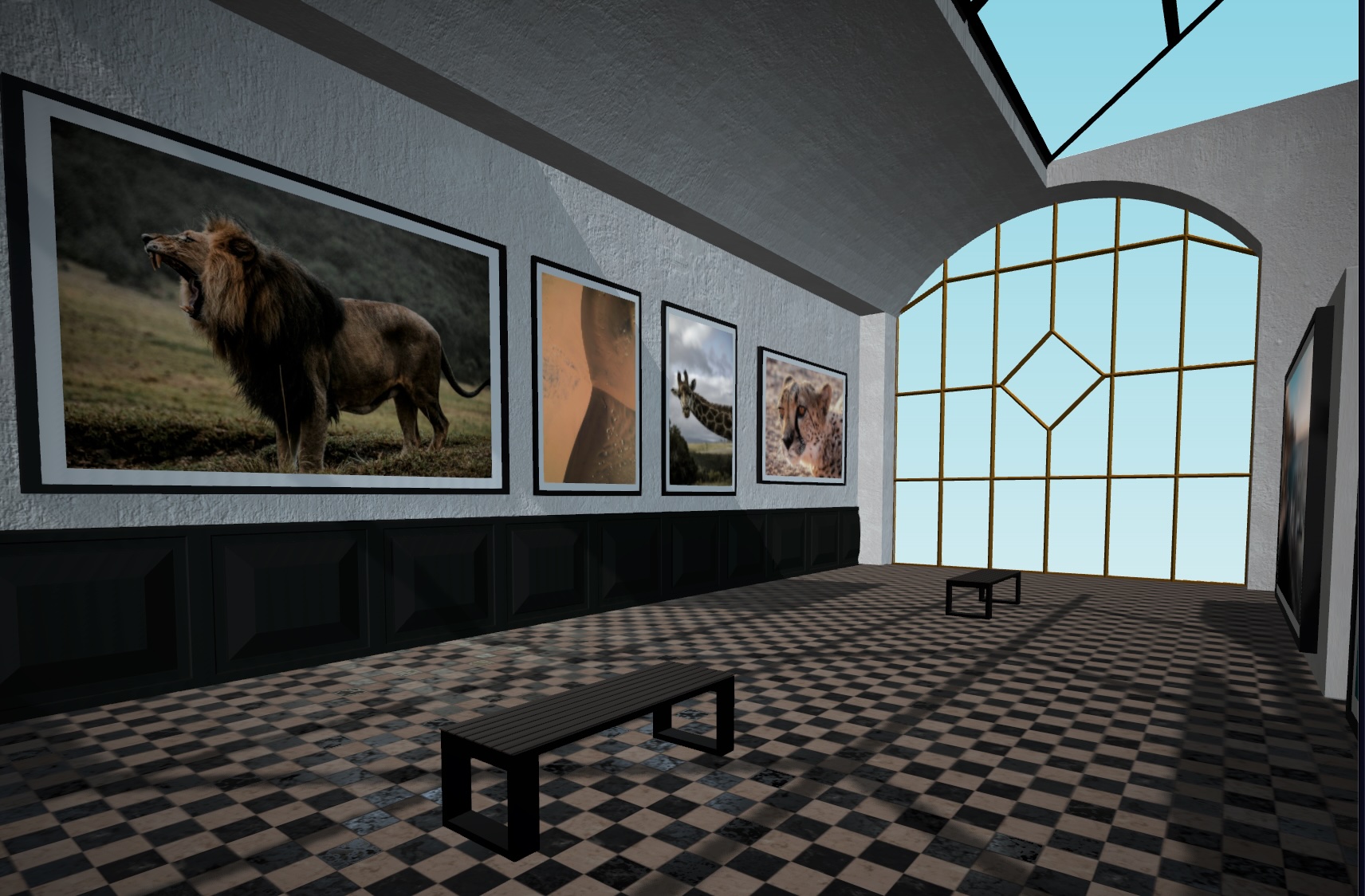
A passion project to combine multiple fields of interest into a single project. Using React and WebGL, I've created an interactive 3D exhibition space to showcase art in a virtual space.
Overview
For over ten years, I've been taking photos and have dreamed of having an exhibition to showcase my work. Using my knowledge of 3D and web development, I could recreate this dream in a virtual space. I used Blender for the modelling and React, Tailwind, and Three.js as my programming stack to bring this project to life.
Part 1: The Ideation & Modelling
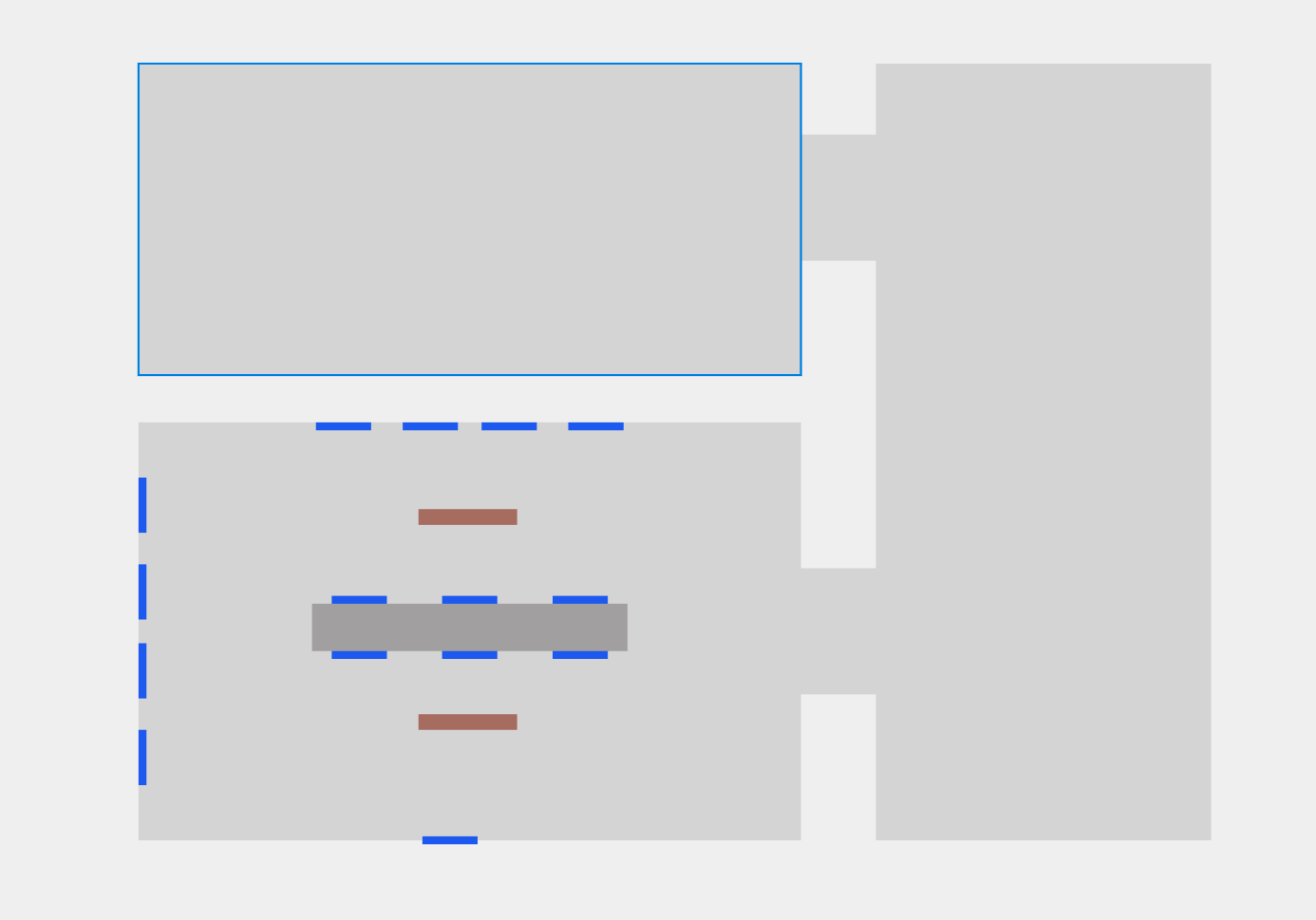
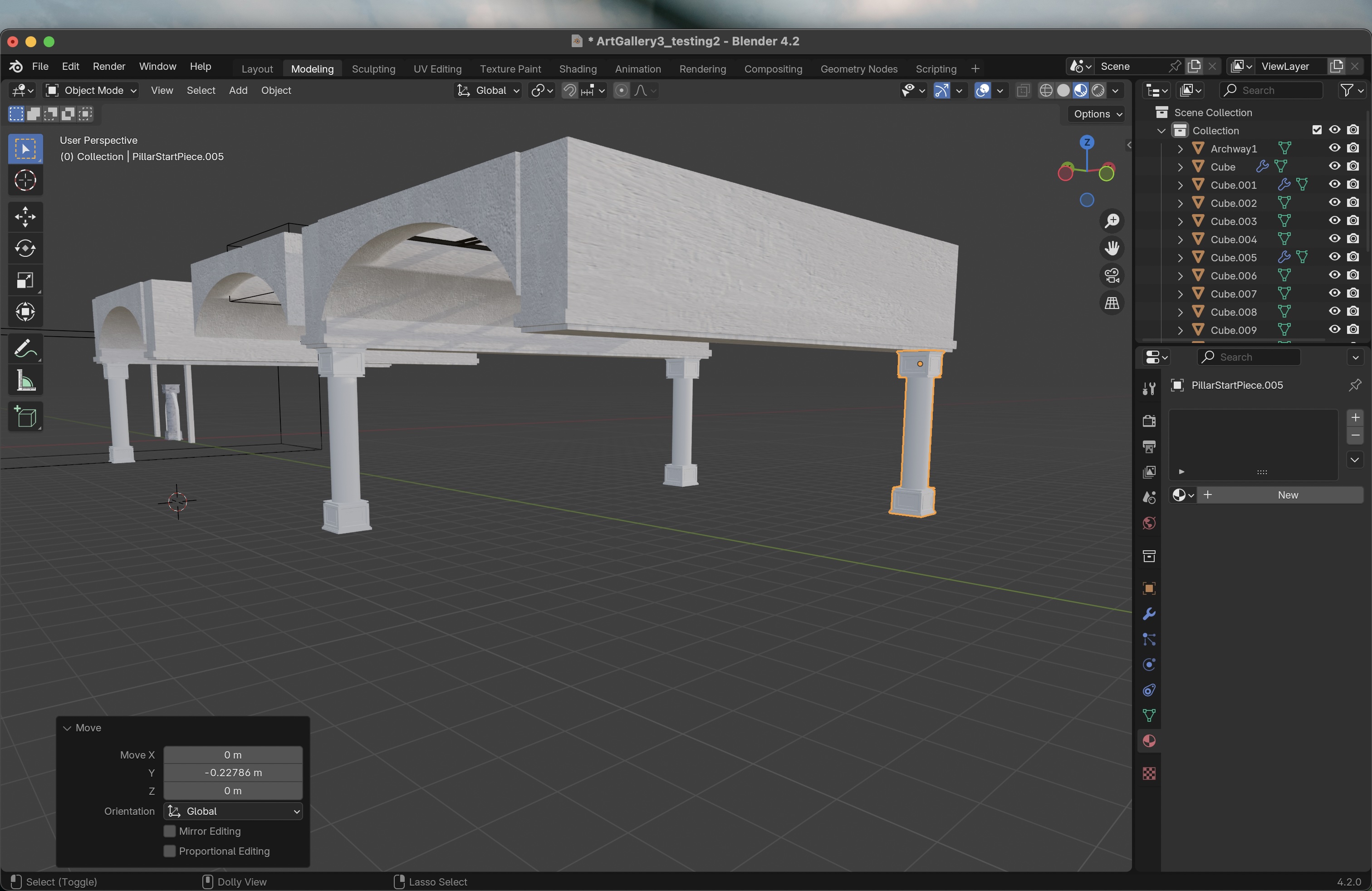
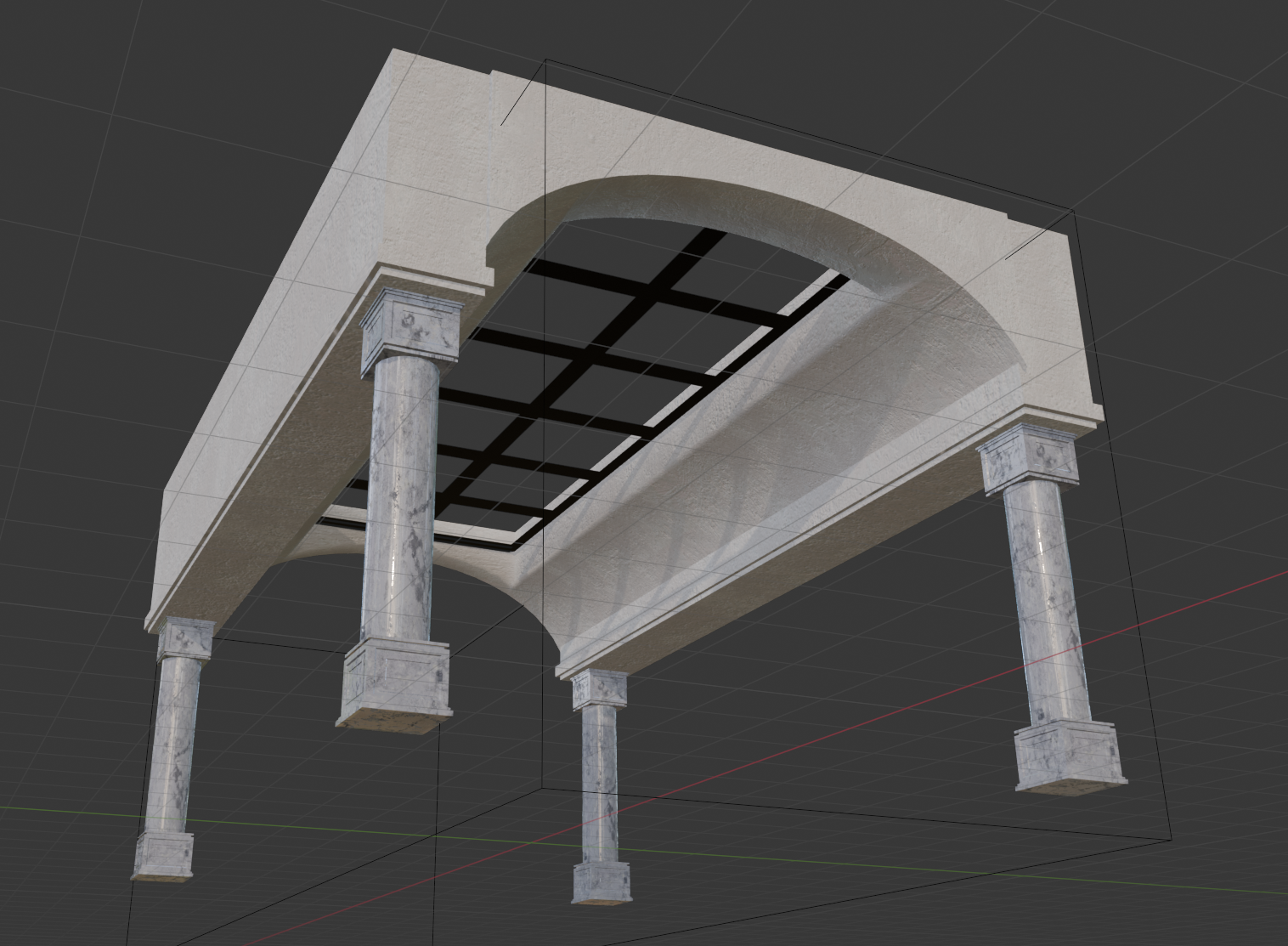
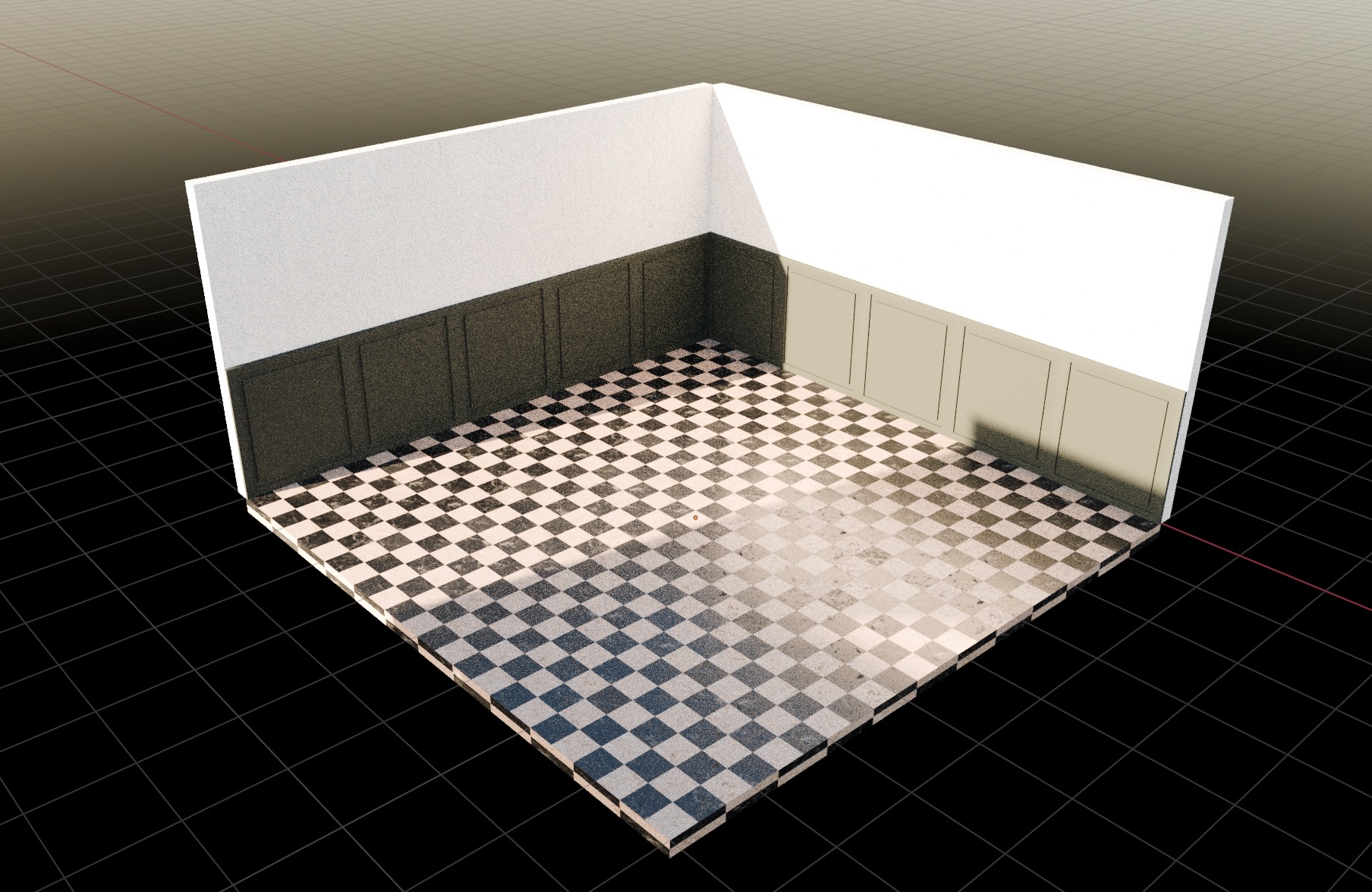
After reviewing similar projects, I noted what I liked about each project and what, in my opinion, would have made these projects stand out even more. After collecting a ton of references for the technical aspects, as well as how the space should actually look, I began by creating a 2D floor plan. After having a rough idea of how the layout of the space should work, I started building the geometry in Blender. Since this is a WebGL project running in the browser, performance was a key metric for me, which meant that the polygon count of the geometry needed to be kept low.
Part 2: Implementation
After building a modular set of geometry that I could reuse to construct the gallery, it was time to start coding the logic. I chose React and its Three.js library, "React Three Fiber", because of its relative simplicity and component-based nature.
There were basically three things that I needed to implement: the core logic of the "player" (camera, movement, and collision), the user interface on top of the 3D scene, and the actual environment. I chose to prioritize the player logic, so I set up a basic UI and some building blocks to get an idea of how the space would work.
The look was rough in the beginning, but it helped me better understand how to move through the virtual space and what changes to the movement speed, camera settings, etc. were needed to make it more fun and intuitive to walk around. At this point, I was thinking about implementing a third-person perspective, but as the project progressed, I shifted to a more immersive first-person view so that the sole focus would be on the artworks and the environment.
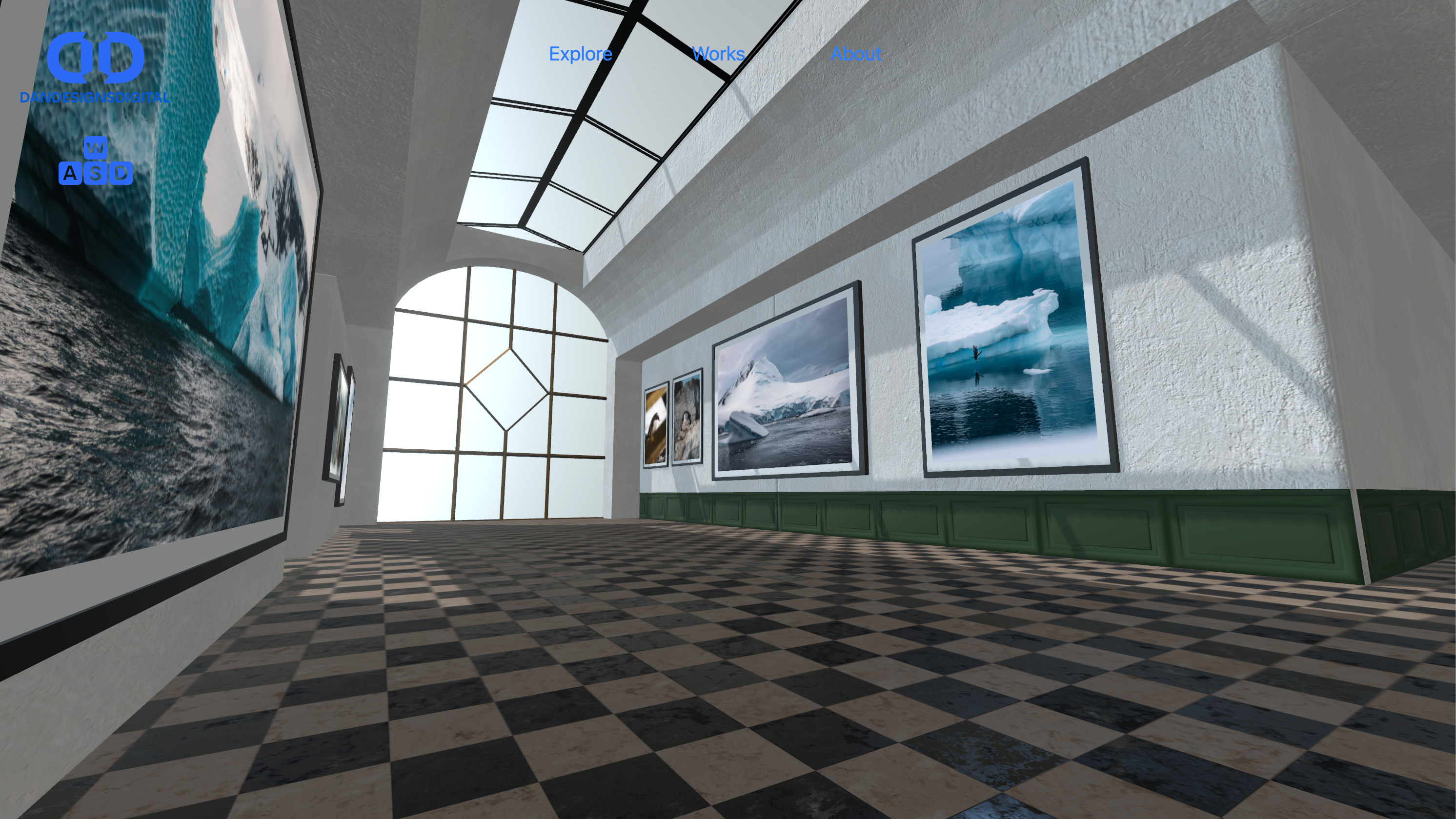
Adding more cohesive geometry, improving the texturing for a more realistic look, and adding more artworks made the whole scene come together. I additionally experimented with different post-processing effects, such as subtle bloom and tone mapping, for a more professional color grade.
Part 3: Mobile & Details
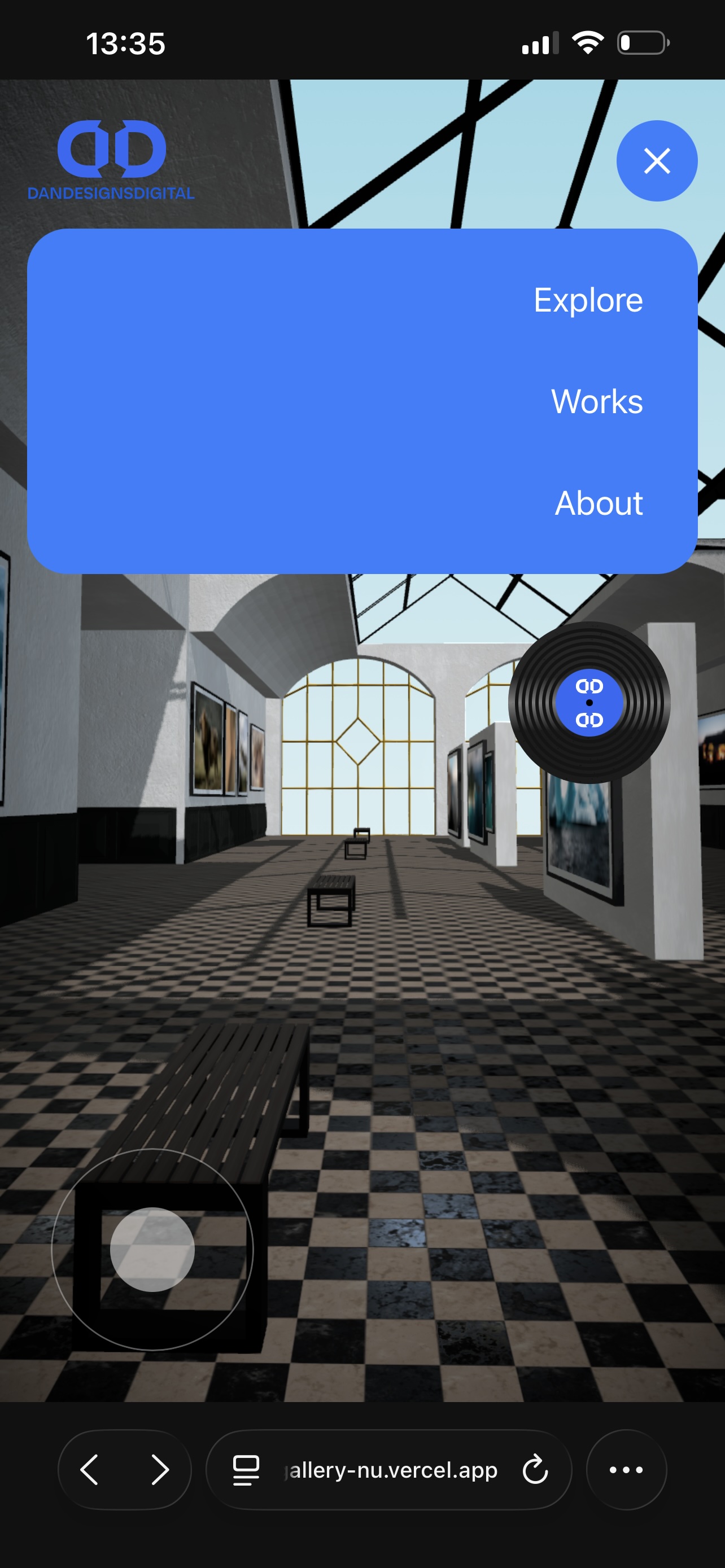
After I was happy with the overall functionality of the application, I knew I had to rework some of the core mechanics for mobile users. For example, instead of walking around with a keyboard and mouse, everything had to work with touch controls as well. I decided on a virtual joystick UI, as well as implementing a burger menu for navigation. As a fun little detail, I decided to include the option to play music to set the mood in the scene. By tapping the vinyl in the menu, users can play and pause a song. Working on the graphic and the animation was a fun little detail to round things off.
Outcome
Finishing this project gave me invaluable insights into more than one domain. I've learned a lot about component management in React, how to create performance-friendly WebGL applications for the web, and could also use this opportunity to reinforce my 3D modelling and texturing skills. Having a virtual space for my favorite photos I've taken over the years is a nice bonus on top.
As with all my work, the usage of generative AI and LLMs in general is kept at an absolute minimum. The only use of AI in this project was to explain some of technical intricacies of how the player movement could be properly implemented.